
Trailspace Blog

Top Gear Review of 2025
Trailspace members shared 577 gear reviews in 2025, but BigRed's review of his Durston X-Dome 2—"an ultralight, freestanding, and relatively roomy 2-person tent"—was their favorite! Check it out. Then share your own.

Trip Report: Big SEKI Loop
Need some outdoor inspiration for the new year? Check out Steve's 10-day Big SEKI Loop through Sequoia and Kings Canyon National Parks, which he called "part hike, part reckoning, part rebuilding" with some "good butt kicking."

Winter Gear Time
As the days get shorter, Trailspace community members are increasingly looking for winter gear. Snowshoes, down jackets, traction, winter stoves and tents—review your own cold-weather equipment and clothing and you'll help others get outside in the snow and ice comfortably and safely.

Thankful for the Outdoors and You
We're grateful for welcoming outdoor spaces, public lands and waters, well-maintained trails, and all the dedicated folks who conserve, work, volunteer, and/or advocate on behalf of nature and our shared outdoors. We're also thankful for you, our Trailspace Community, and your 39,957 gear reviews!

How to Stay Alive: Book Recommendations
Trailspace members are discussing their favorite outdoor survival articles and books from the White Mountains to the Andes to Mount Whitney. Find your next read or add your own suggestion.

Trailspace on the Appalachian Trail
Big Red and Waffle returned to their old stomping grounds, the White Mountains, for a long section hike of the AT this summer. Check out their trip report for stories, summits, and encounters with Good People from New Hampshire to Maine.

Gear Up for Autumn
Cooler day and nights, quieter trails, vibrant colors—fall is an ideal time to head outside. Whether it's your favorite fleece or puffy, a three-season sleeping bag, or an insulated mug, get your fall gear ready. Then help others do the same by sharing a review of your favorite cool-weather gear.
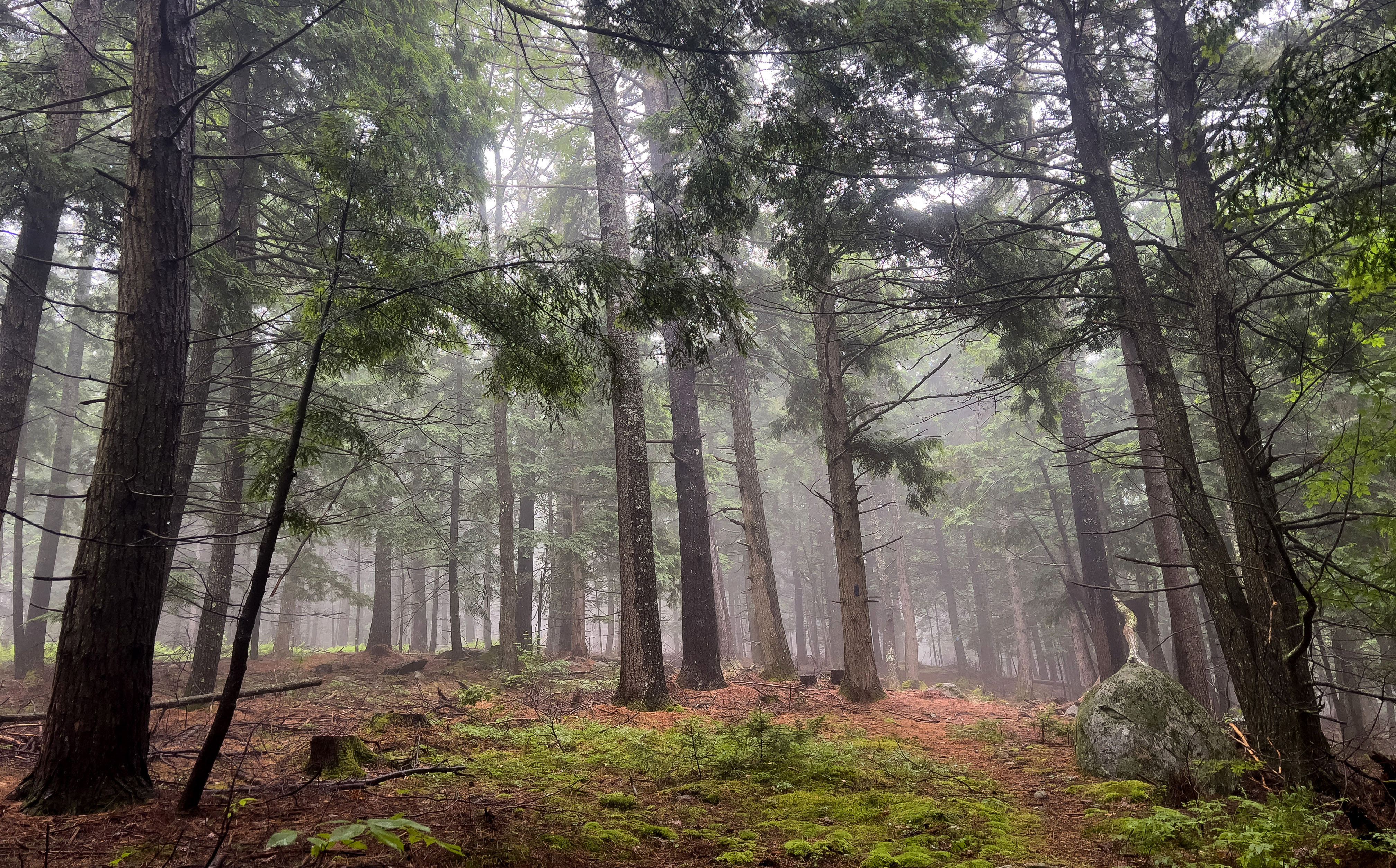
Summer Gear Assessment
How's your summer going? Have you taken that new daypack hiking in the mountains? Broken in your trail runners in the local woods? Spent nights camping out in your three-season tent? Enjoyed mornings paddling your kayak? Tell us what outdoor clothing and equipment is helping you enjoy the season by writing a gear review.
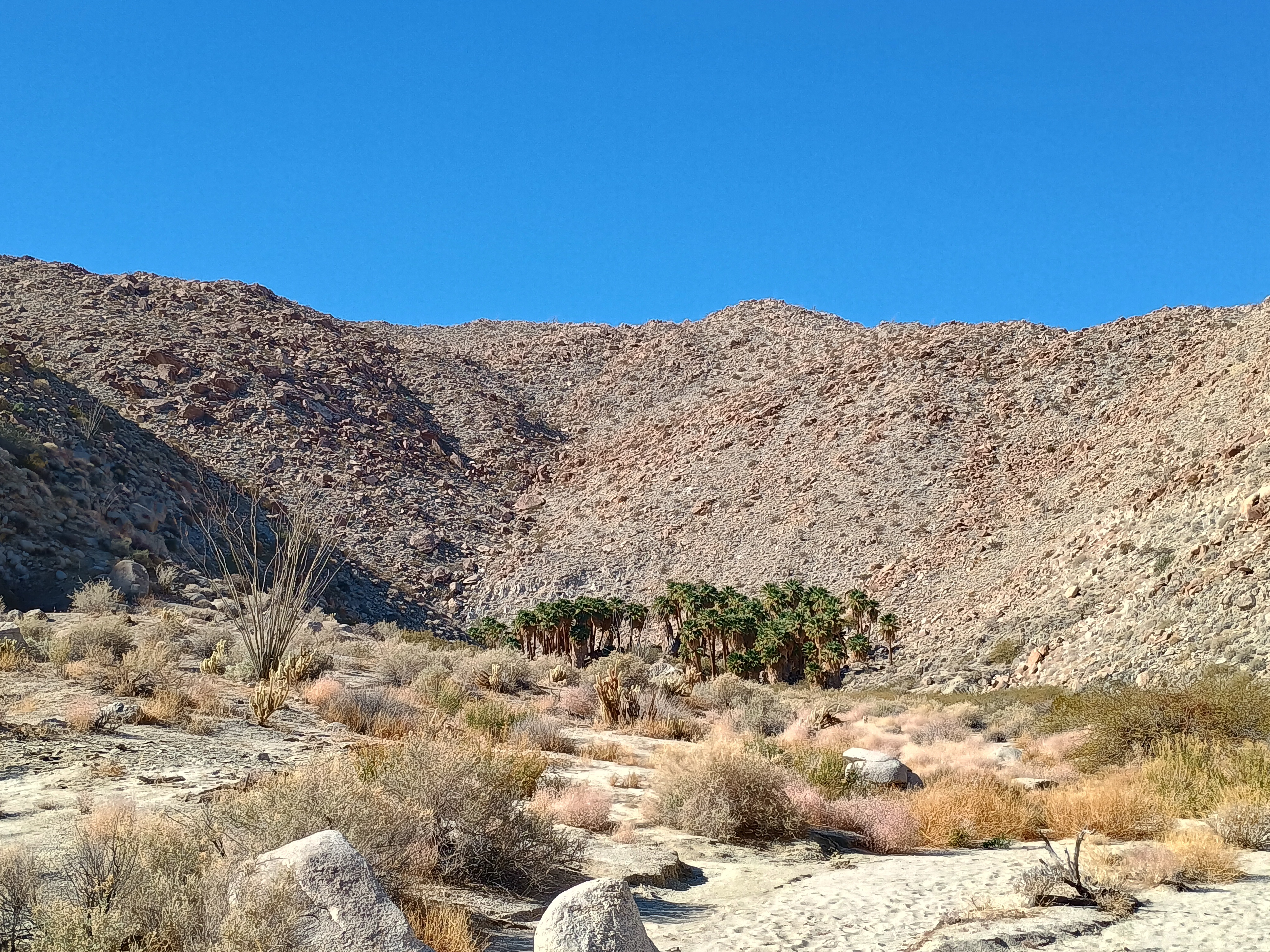
Trailspace on the Trail: Anza-Borrego Desert
"Cold at night, warm during the day, great dark skies, slot canyons, cool geology." Balzaccom spent a week hiking in California's Anza-Borrego Desert State Park earlier this year. Share your outdoor adventures in a trip report.
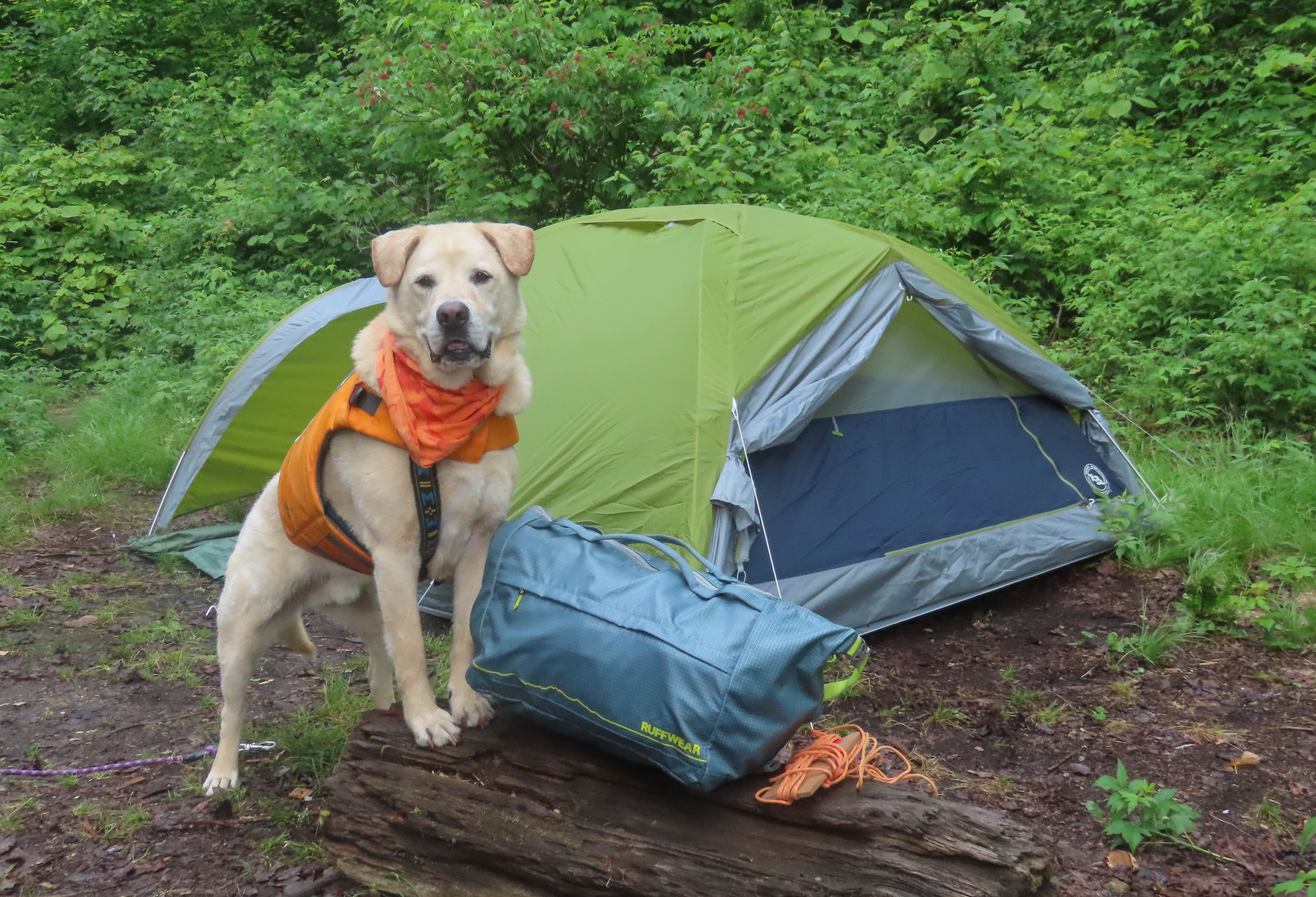
The Best Tents and Shelters for Camping and Backpacking
It's spring, and whether you’re headed on a solo backpacking trip or taking the whole family (dogs included) camping, you need the right shelter for your outside overnights. See our members' top picks, or add your favorite with a review.
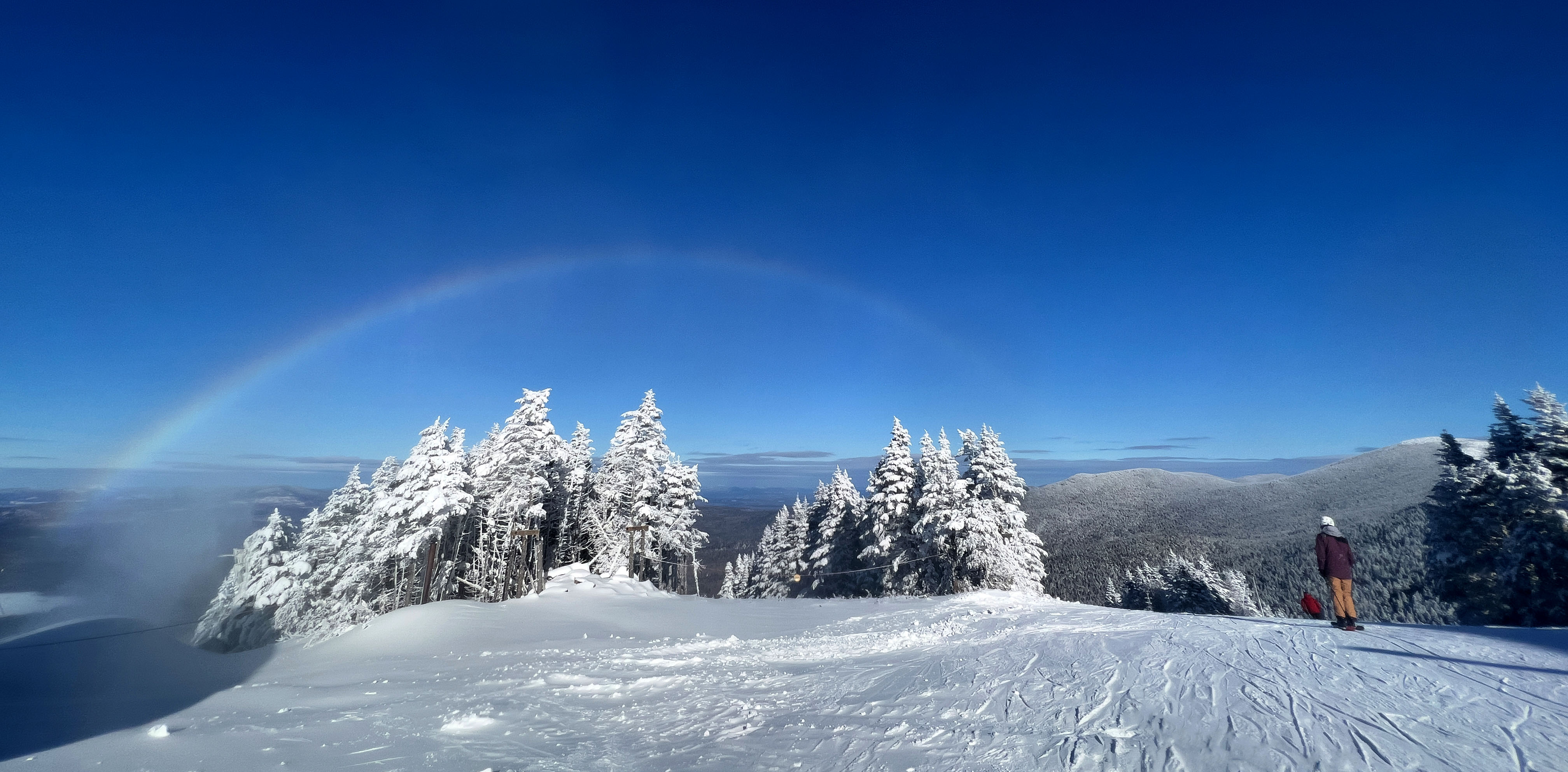
Happy Spring! Share a Review
Or maybe it's second or third winter for you. Are you skiing one day and trail running the next? We want to hear about the trusty gear you used in the snow and ice all winter AND your warm-weather favorites you can't wait to take on the trail again.
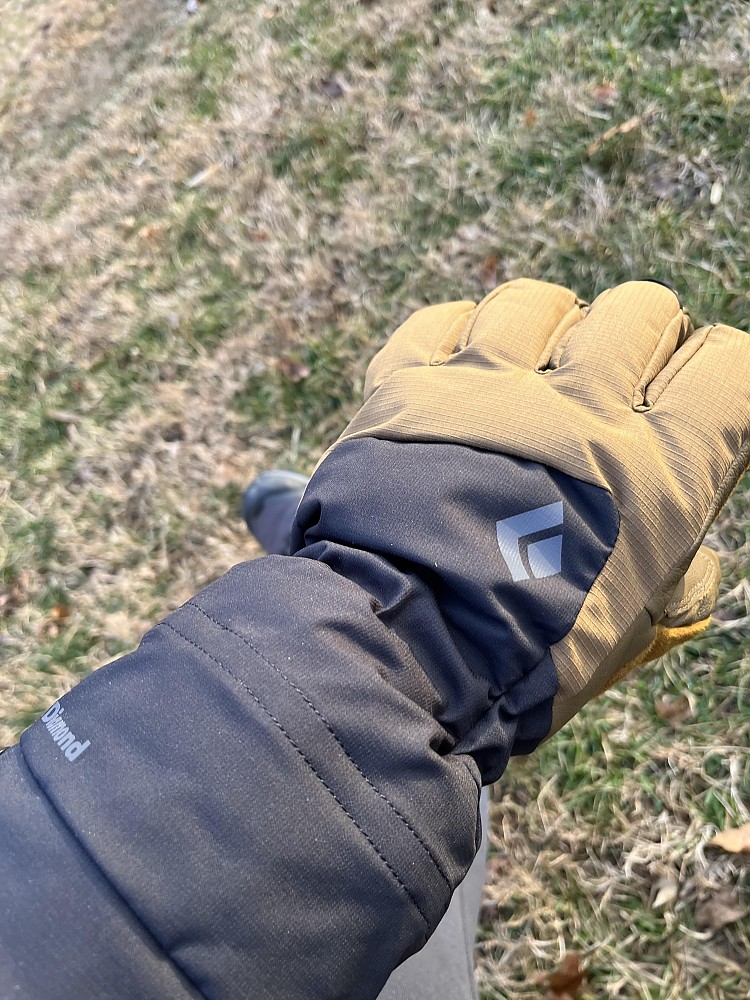
Update: Black Diamond Soloist Gloves
I have worn these gloves for two winters—in particular, this winter, when I had a lot of time outside in really cold weather. I’m more impressed with how warm these are than I was when I provided my initial impressions. They might be warmer than Black Diamond’s Guide Gloves.
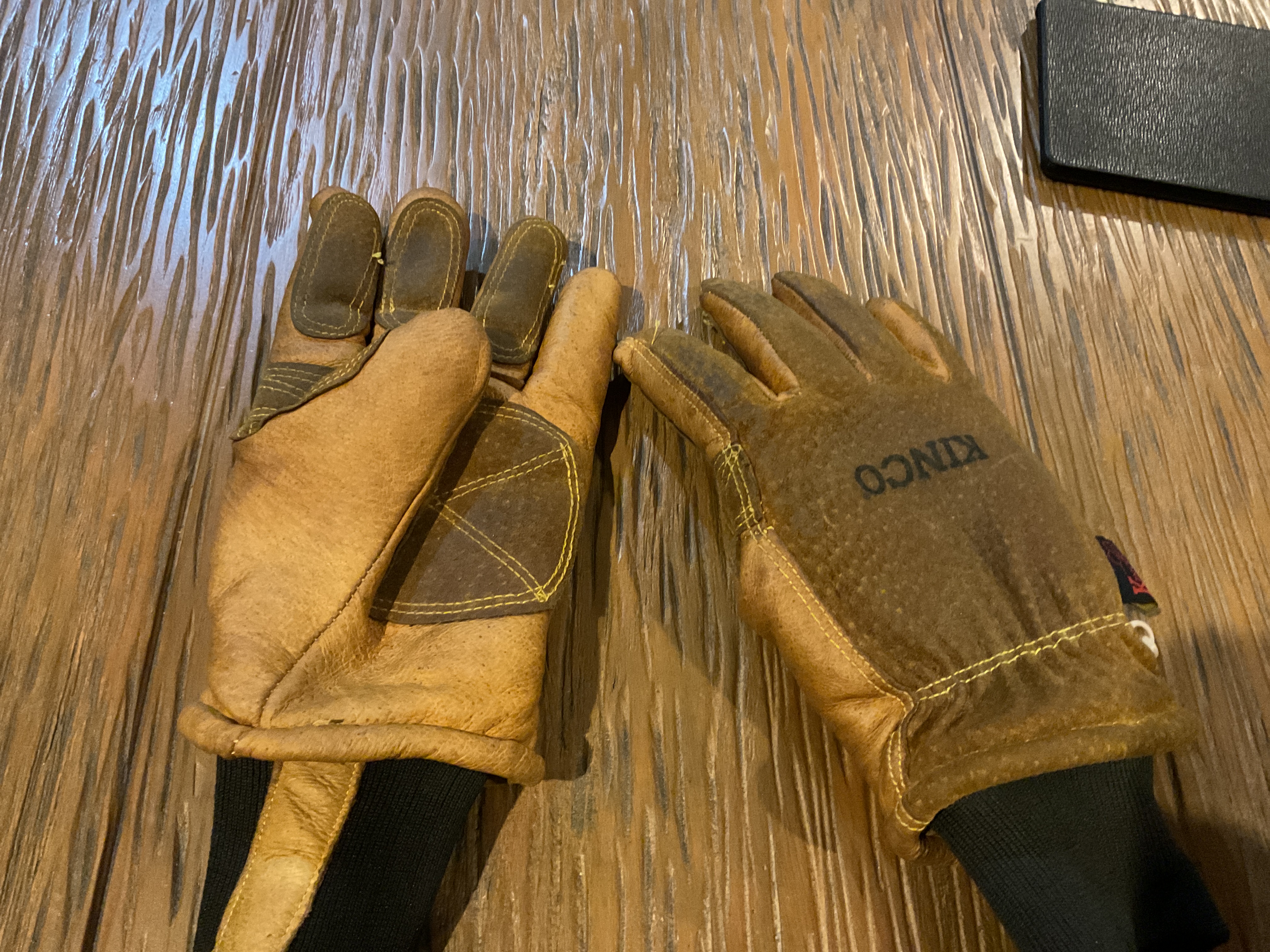
Update: Kinco 901 Lined Heavy Duty Gloves
With three years experience with these gloves, I figure it would be worth an update. I encountered a lot more cold weather this winter than in past years, so I wore these gloves a lot.
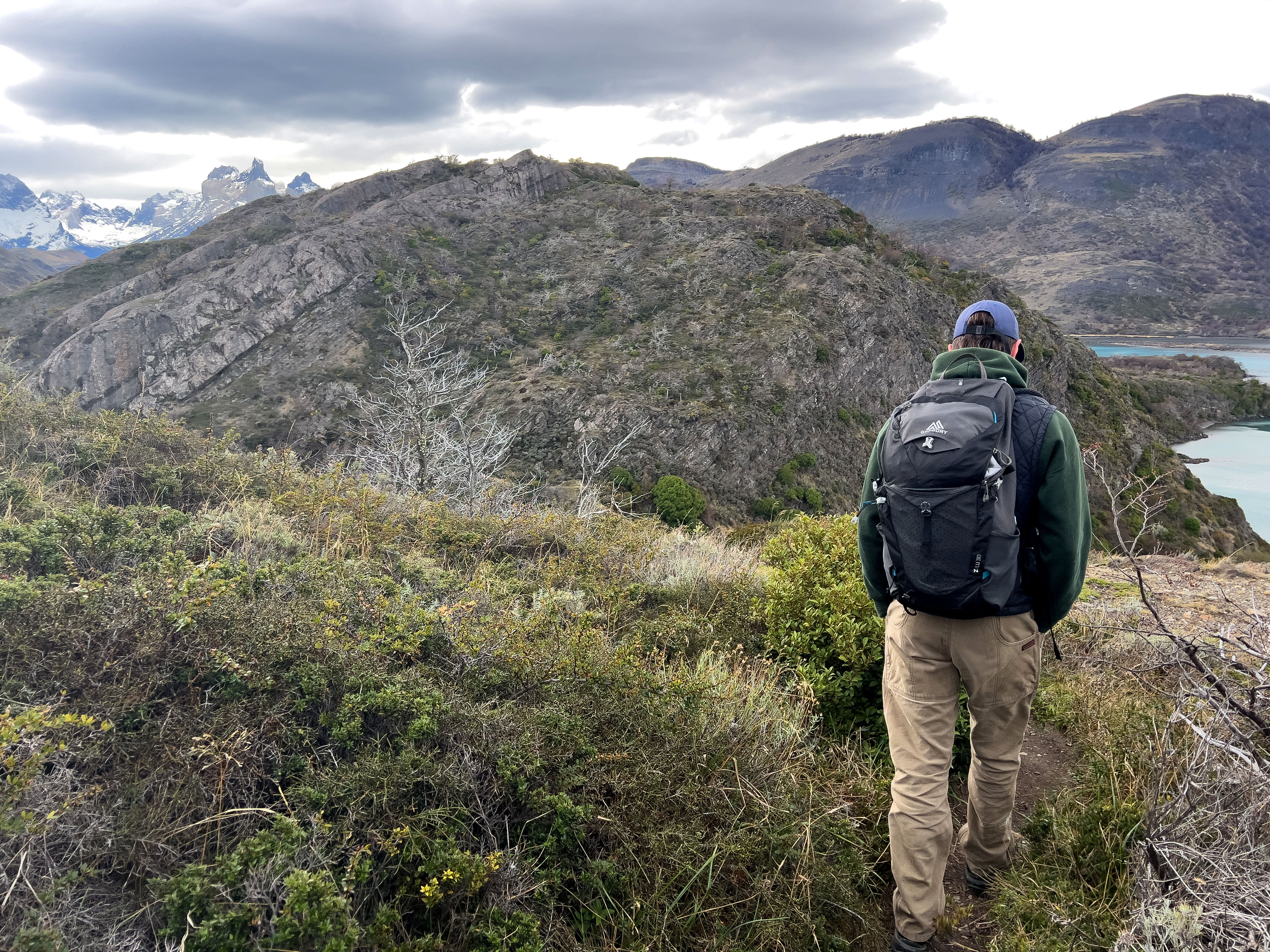
Wanted: Your Hiking Gear Reviews
Backpacks, boots, jackets, snowshoes, stoves, tents—tell us about the outdoor gear keeping you safe and comfortable. Around the local park or around the world, we want to hear about it.
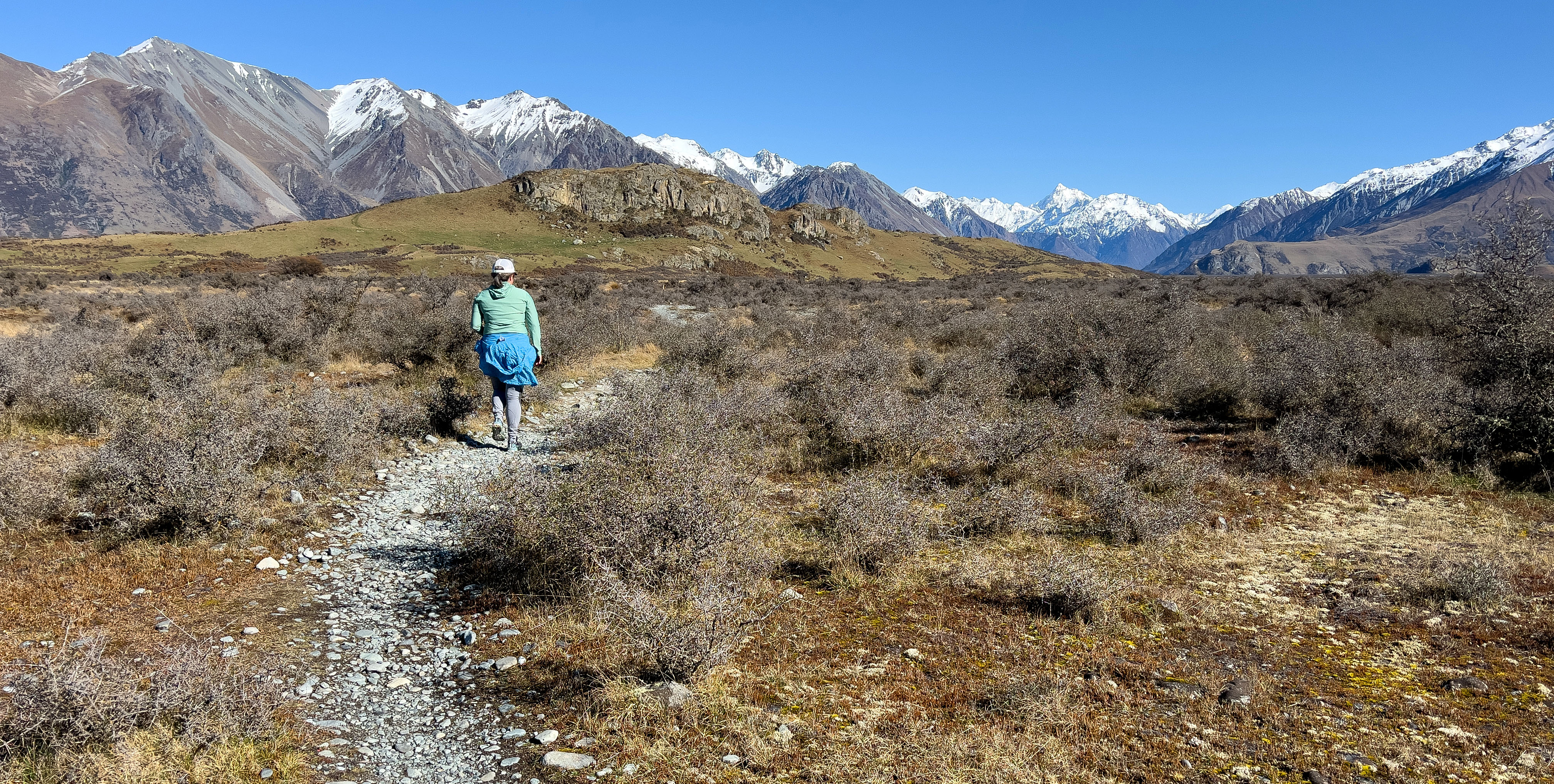
Tell Us About Your Favorite Gear
What outdoor gear and clothing are you relying on for adventures near and far? We want to hear your individual voices and first-hand experiences. Independent reviews, like yours, help others get outdoors and build our community.
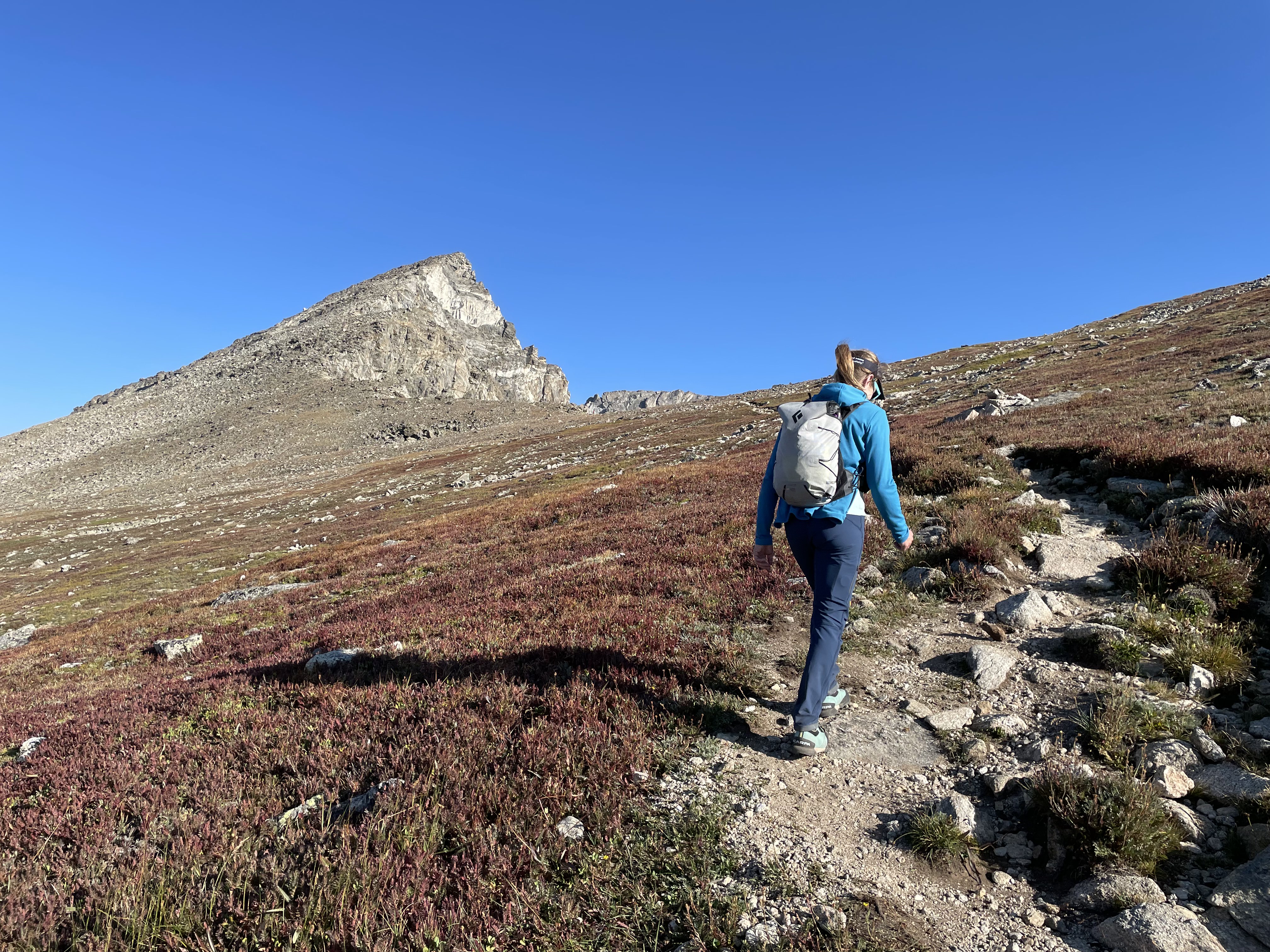
Daypacks: Trailspace's Top Picks
Check out the Trailspace community's favorite packs for casual hikes, moving fast and light, and done-in-a-day adventures.
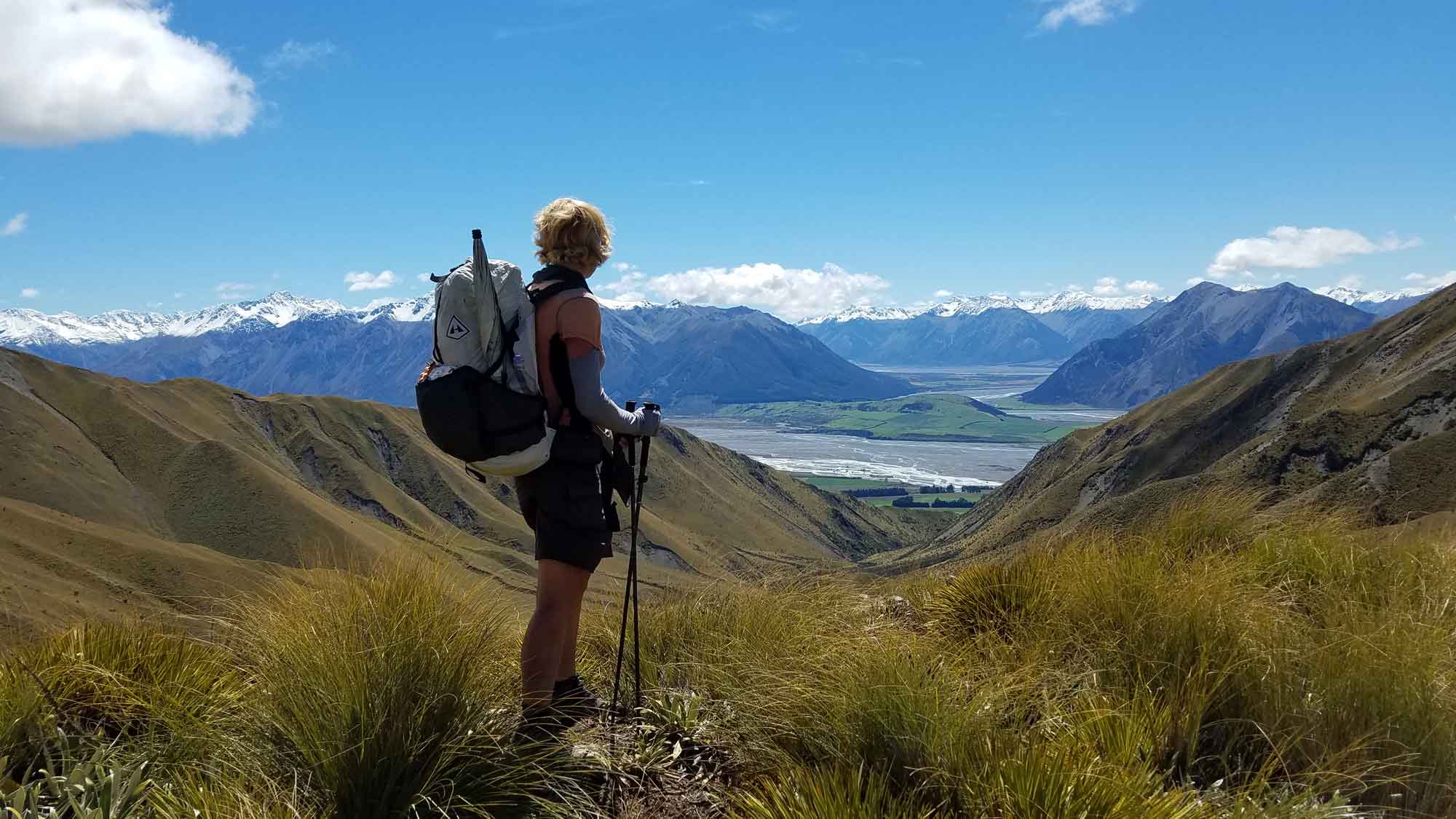
Call for Reviews: Your Top Summer Gear
What gear and clothing are you relying on for your summer outdoor adventures?
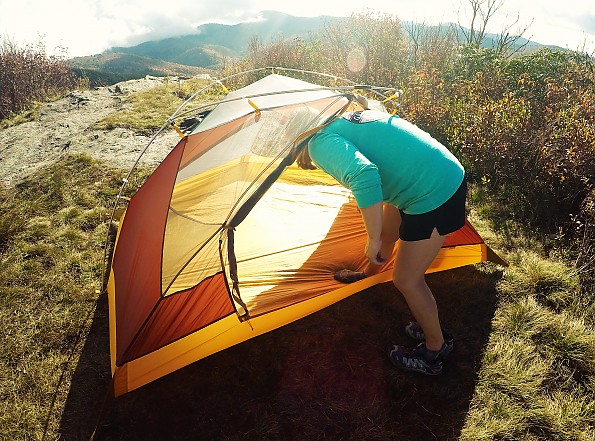
The Best Tents and Shelters for Camping and Backpacking
Whether you’re headed on a lightweight solo backpacking trip or taking the whole family to the local campground, find the right shelter for your next night outside.
Call for Reviews: Your Favorite Spring Gear
From April showers to May flowers, Trailspace community members are headed outdoors in a wide variety of conditions. You can help them, and expand the outdoor community’s collective knowledge, by reviewing your most versatile shoulder-season equipment and clothing. What gear do you rely on to get outside safely and comfortably in the ever-changing spring weather?
The Best Down Jackets
Members of the Trailspace community share their top picks for toasty down jackets for all conditions.
Call for Reviews: Your Favorite Winter Gear
As the days get shorter, Trailspace community members are increasingly looking for winter gear advice. You can help them, and expand the outdoor community’s collective knowledge, by reviewing your cold-weather equipment and clothing. What gear did you rely on to get outside safely and comfortably last winter?
Short Days, Bright Lights
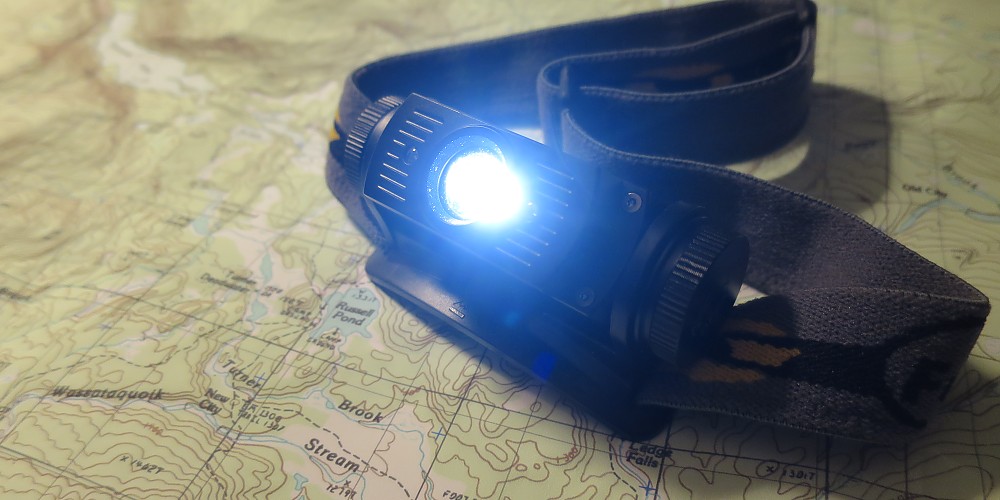
Autumn can be a great time to get outside, but shorter daylight hours can often put a pinch on outdoor activities. Trailspace members share their top picks for headlamps, flashlights, and lanterns that can help you beat back the dark and make the most of every day.
Shout it Out for Your Favorite Gear
Give a shout-out to your gear and help others get outside, simply by sharing a review. Whether on an epic thru hike or a quiet morning paddle, telling people how your gear fared helps others of all experience levels and backgrounds access the outdoors safely.
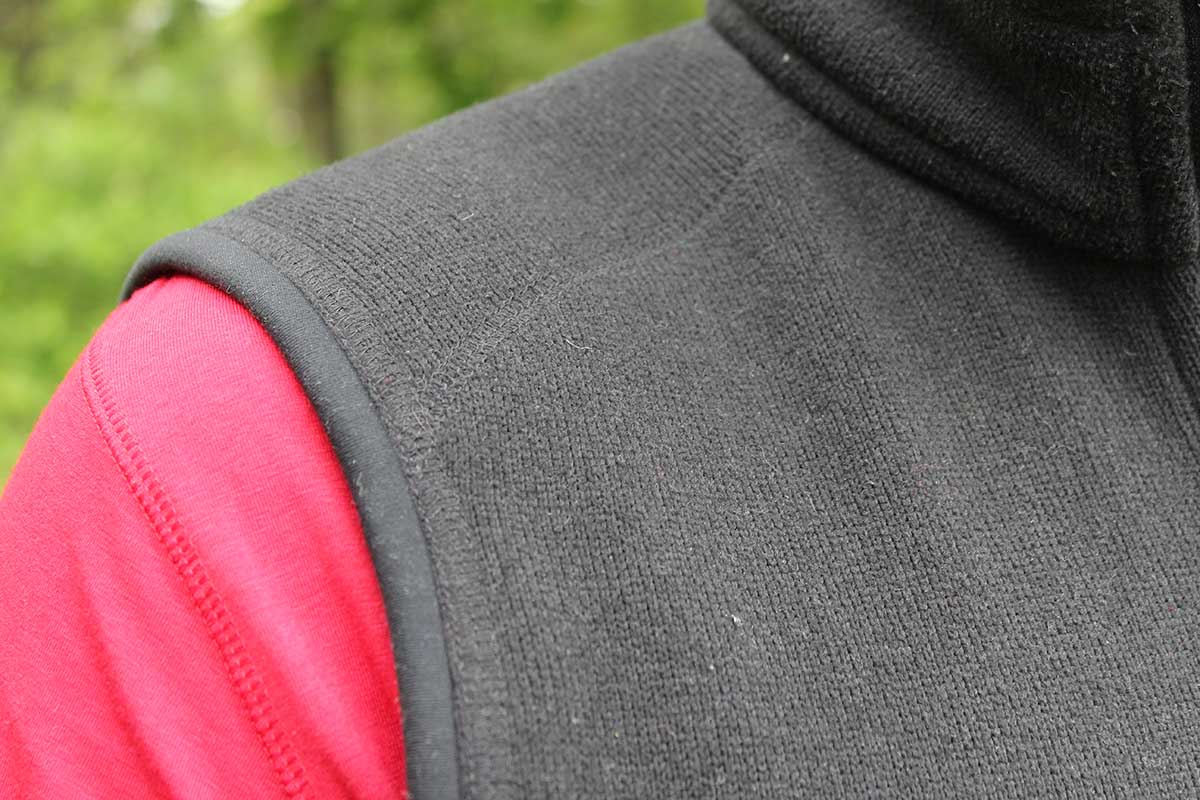
The Best Vests for Fall Adventures
Handle autumn's cooler and variable weather in comfort and style with one of these top vests, as reviewed and rated by the Trailspace community.
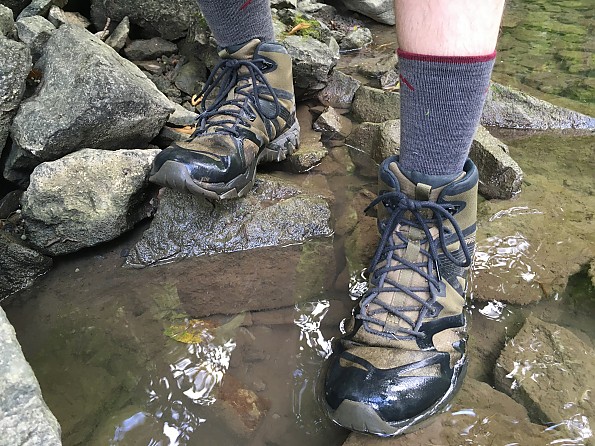
Top-Reviewed Boots and Shoes for Hiking, Backpacking, and More
Reviewed and rated by the Trailspace community
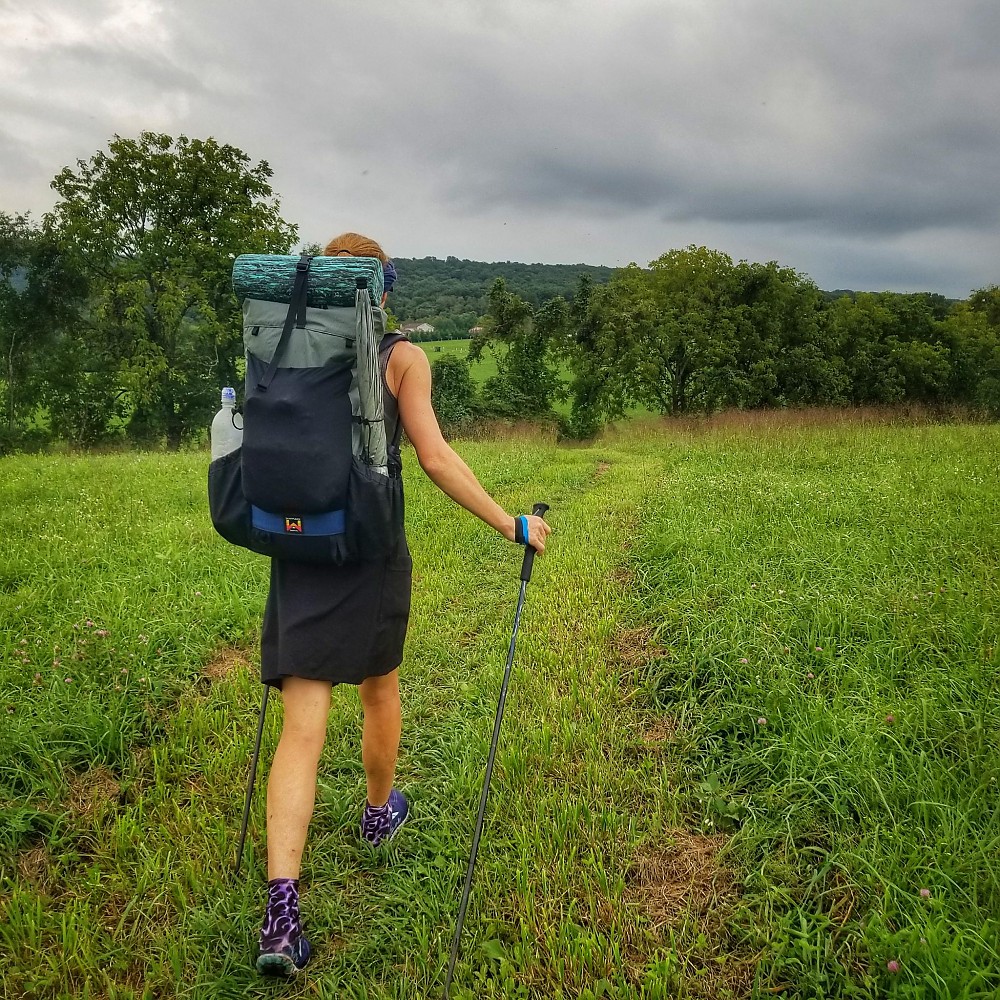
The Best Packs for Every Trip
Reviewed and rated by the Trailspace community
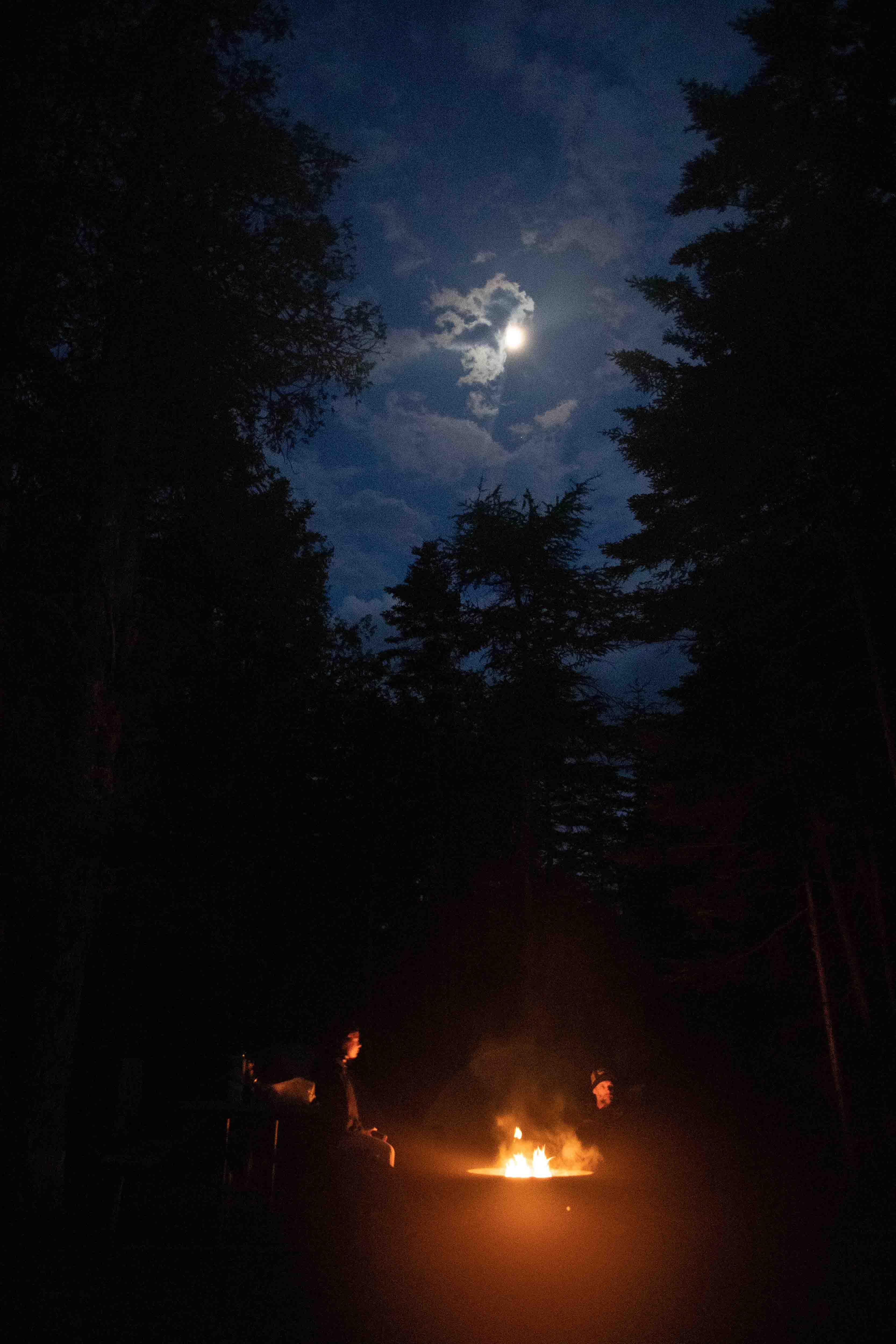
Fall Hiking & Camping Gear
What gear is keeping you warm and comfortable outdoors this fall? Spread the word and help others get outside safely with a review of it. Or need some new gear for your next outdoor adventure? Check out other users' reviews and compare prices first.
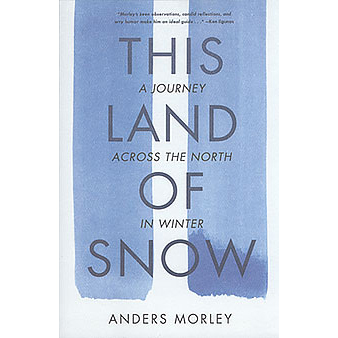
2021 National Outdoor Book Award Winners
Bicycling with monarchs. Skiing across Northwest Canada. The packraft handbook. Working in a fire lookout tower. The 2021 National Outdoor Book Award winners have been announced. Find a new read for yourself or a friend.
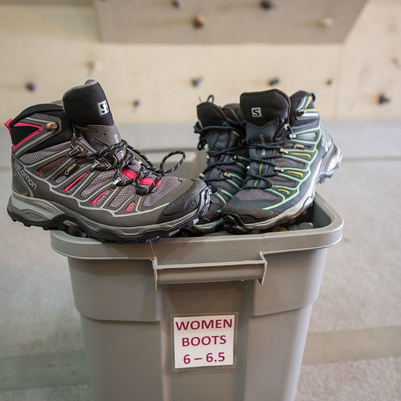
How to Build a Community Gear Lending Library
If folks in your community lack the gear to go hiking or camping, consider starting a gear lending library. We got advice from the experts on gearing one up for long-term success.
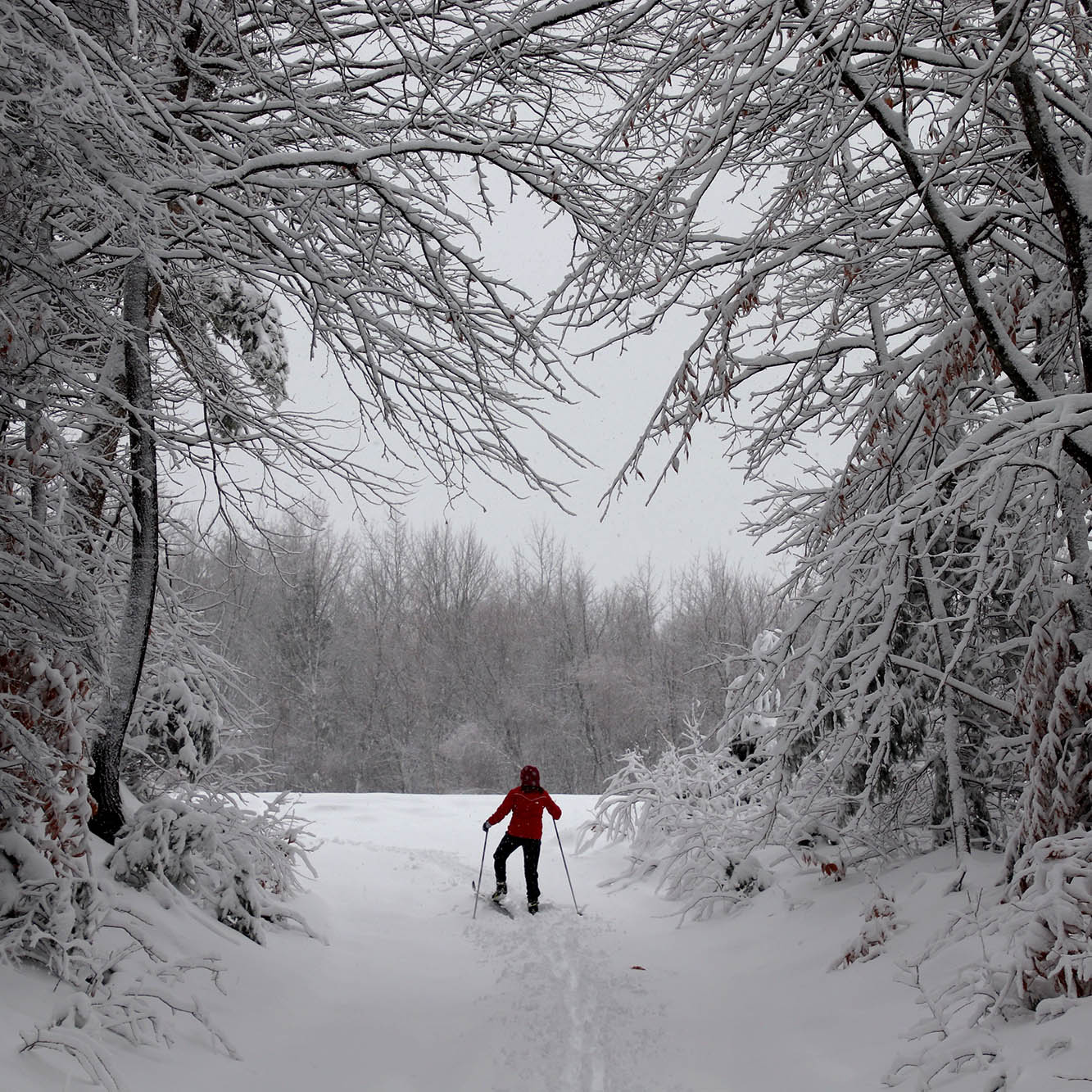
How to Get Outside and Recreate Responsibly this Winter
Whether we're expert skiers, avid winter campers, or new trail runners, it's in our best interests to help mountains and trails stay open, and to keep our communities safe. To recreate responsibly, consider the following before heading out this winter.
Gear Libraries Increase Outdoor Access, Equity, and Adventure
The cost of outdoor equipment is one of the top reasons people say they don't get outside. Gear libraries that share tents, stoves, sleeping bags, and skills help make the outdoors more accessible and equitable for all.
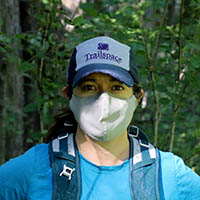
The Outdoor Guide to Wearing Face Masks Hiking, Running, on the Trail
Face masks are the surprise essential gear trend of 2020, and outdoor brands have stepped up with a variety of options, whether we're prepping for a trip to the store or a trip to the mountains. From high-tech performance masks to made in America to ones that give back, check out our guide.
How to Gain Outdoor Skills through Online Education During COVID-19
While many outdoor trips and trainings have been cancelled due to the coronavirus, here are resources for online outdoor instruction—trip prep, navigation, LNT, survival, photography, avalanche awareness, knots, and more—that you can access anywhere, anytime.

The Privilege of Nature: Diversity, Inclusivity, and Being an Outdoor Ally
For many, the outdoors is a refuge. I'd like to think that on the trail and in the mountains I escape politics and worldly concerns, and we're all equal. But that's untrue, naive, and privileged. As my country confronts its racism, I'm also doing so personally and professionally, and I encourage our outdoor community to do the same.
How to Support the Great Outdoors while Stuck Indoors: Become an Outdoor Advocate
Despite the pandemic shutdown, we can remain connected to the outdoors we love to hike, run, ski, climb, and paddle. Here are some ways to get involved, stay engaged, and become an outdoor advocate, even if you're stuck inside.
Outdoors in the Time of the Coronavirus
Amid the more immediate and severe concerns about public health during COVID-19, you may be wondering if you can still go outside. We've compiled some recommendations and updates on getting outdoors, plus effects on the outdoor industry, including Trailspace.
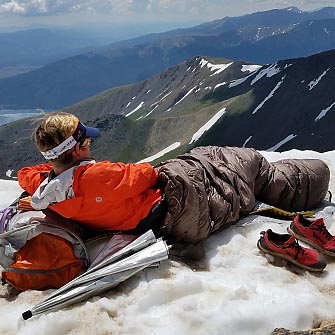
Packs to Potty Trowels: Presenting the Top 16 Gear Reviews of 2019
From the expected—trail footwear, packs, shelters, and a quilt—to the not-so-expected—corn chowder, an umbrella, bungees, and a potty trowel—here are our Top 16 gear reviews of 2019.
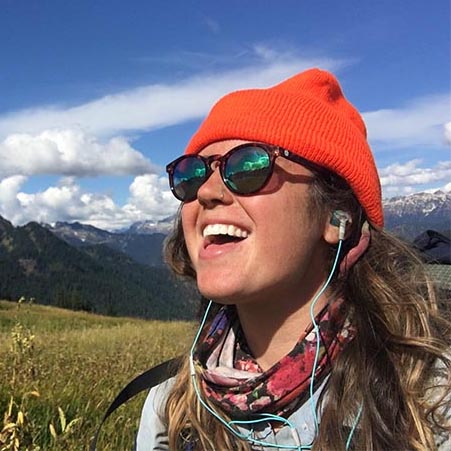
Outdoor Insiders' Top 10 Tips for Standout Gear Reviews
What makes a product review valuable and trustworthy? We've been asking community members, reviewers, and outdoor industry professionals to share their insights. Here's what we learned.
Lighten Up: Illumination is Outdoor Essential #4
Illumination is #4 on the 10 Essentials list. We talked to experts from Black Diamond, Ledlenser, and Petzl to learn more about headlamp technology and what to consider when selecting your backcountry illumination.
A Brief History of Outdoor Insulation: Essential #3
To celebrate extra clothing (#3 of the 10 Essentials), we looked at the origins of some classic outdoor insulation: wool and polypro baselayers, down and synthetic jackets, and ever-popular fleece.
Sun Protection is an Outdoor Essential Year Round
Sun protection isn't just for sunny hikes or summer swims. And effective sun protection means more than slapping on some sunscreen. So, as part of our Year of Essential Outdoor Gear, we're taking a look at Essential #2, sun protection.
How Trailspace Members Rate Their Navigation Gear
A detailed topo map and compass have topped the 10 Essentials list for decades. But we wondered: What navigation gear is tops among our community members?
Arc'teryx Voltair Avalanche Airbag Offers Multiple Deployments
Pete Hill, Senior Designer at Arc'teryx, showed us the company's new Voltair avalanche airbag for backcountry skiers and snowboarders while at Outdoor Retailer Winter Market 2016.
Fuel, Flames, and Water: More Gear From Outdoor Retailer
We're going elemental today from Outdoor Retailer Winter Market. These new gear highlights from Primus, Snow Peak, BioLite, and SteriPen all involve water or flames and fuel.
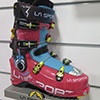
Backcountry Skis, Shells, Boots at Outdoor Retailer
New and updated backcountry ski gear is in abundance at Outdoor Retailer Winter Market. We share a few ski and alpine highlights from Arc'teryx, Black Diamond, La Sportiva, Gregory, and Osprey.
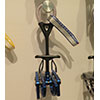
Black Diamond Debuts 25% Lighter Camalot Ultralights
For many rock climbers, Black Diamond's Camalot is the standard camming device. Come spring you'll be able to get one that's 25 percent lighter.
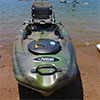
Fishing Kayak, Ti Ax, Fast Inflatable: Demo Day Videos
A fishing kayak, a titanium ax head, and a fast inflatable pad: as promised here are three product videos from the Open Air Demo at Outdoor Retailer.
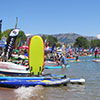
Gear to Paddle, Cut, Cook, Capture, Eat, and Sleep
Paddlers had a myriad of options to get them on the water at Outdoor Retailer's Open Air Demo. But there was also a range of trail gear on hand. Check out our daily highlights.